Home / Remodeling Guides / AI Remodel Mockups
Can AI Show What My Remodel Will Look Like?
How AI mockups let you see a new kitchen, bath, porch or exterior before anything is torn out, what they get right and wrong, and how we use them at consultations in Gainesville, Flowery Branch, Oakwood, Lake Lanier and across Hall County.
Quick answer: Yes. AI image tools can take a photo of your own kitchen, bathroom, porch or the front of your house and redraw it with new cabinets, countertops, paint, tile, flooring, siding or a new deck in under a minute. That makes it much easier to pick a style, compare colors and agree with your spouse before you spend anything. What AI can't do is measure your room, see inside your walls or price the job, so a mockup is a picture of the look you want, not a plan. At EBD Construction LLC, a licensed and insured general contractor in Gainesville, Georgia, Eric shows homeowners AI mockups of their own space during the free in-home consultation, then tells you what's buildable and what it will cost. Call 404-925-7481 to set one up.
What is an AI remodel mockup?
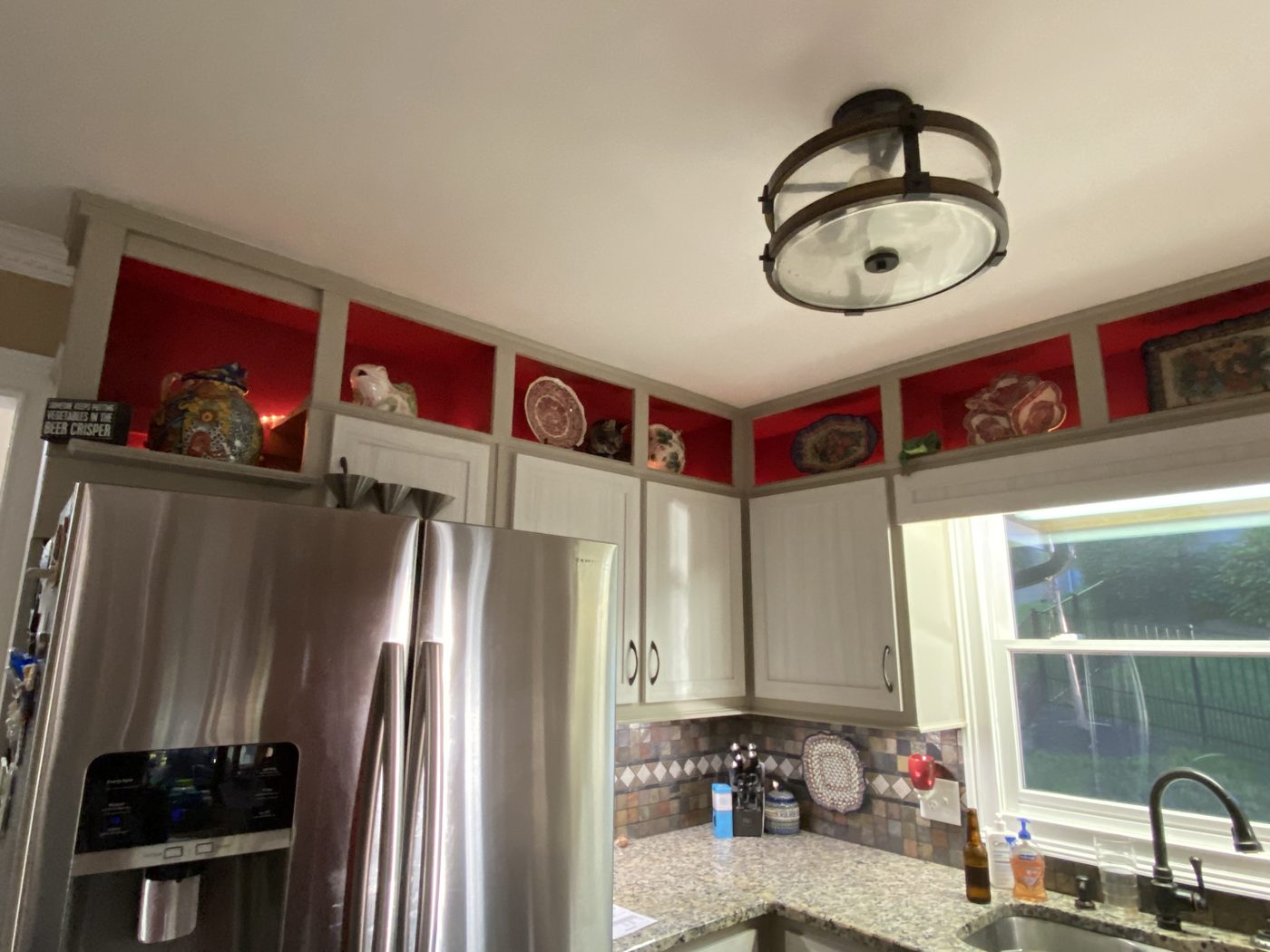
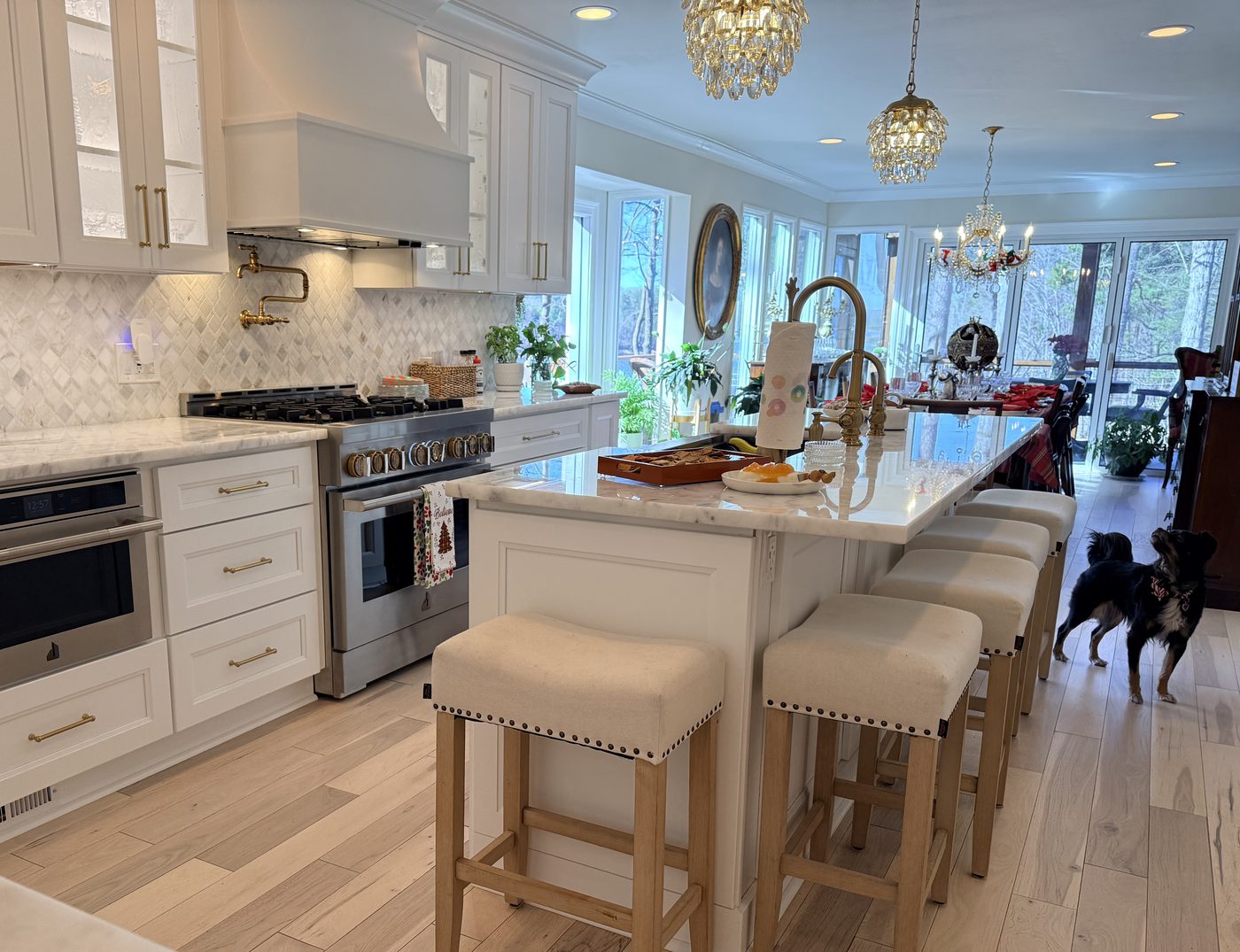
An AI mockup is a realistic picture of your space with the changes you're considering. You start with a photo of the room as it is today, describe what you want ("white shaker cabinets, quartz countertops, a black farmhouse sink, light oak LVP floors"), and the AI redraws the photo with those changes while keeping the windows, ceiling and shape of the room. In seconds you can try a second color, a different tile or a bigger island.
There are three common kinds of tools:
- General AI assistants that edit photos. Upload a picture and type what you want in plain words. They're the most flexible and handle nearly any room or exterior.
- Room-design apps. Built for interiors, with style presets (farmhouse, modern, coastal), before-and-after sliders and the ability to swap one item at a time.
- Brand visualizers. Paint, cabinet, flooring and siding makers offer free visualizers that show their real colors and products on a sample room or your own photo. These are best once you're choosing exact colors.
Most are free to try or cost roughly $10 to $30 a month for more images.
How do AI mockups help plan a remodel?
- You see it in your own house. Showroom photos and magazine kitchens don't have your windows, your ceiling height or your light. A mockup of your actual room is a lot easier to judge.
- You can compare five options in five minutes. White versus green cabinets, painted brick versus siding, cedar versus composite decking, side by side.
- Couples agree faster. "Modern farmhouse" means something different to everyone. A picture settles it.
- Fewer surprises and changes later. The cheapest time to change your mind is before materials are ordered. Deciding on the look up front means fewer mid-job changes, which cost time and money.
- Clearer communication with your contractor. One picture tells us the style, colors and level of finish you're after, so the estimate matches what you actually want.
How do I make a good AI mockup of my room?
- Take a good photo. Shoot in daylight with the lights on, standing in a corner or doorway so you get most of the room. Hold the phone level at about chest height and use the normal lens, not the ultra-wide, which bends walls.
- Clear the clutter. Dishes, mail and toys confuse the AI and end up redrawn in odd ways.
- Change one or two things at a time. "Paint the cabinets sage green and add brass hardware" works better than describing an entire new kitchen at once.
- Be specific. Name the material, color and style: "large white porcelain tile in a walk-in shower with a glass panel and a niche," not just "nicer shower."
- Tell it what to keep. Add "keep the windows, doors, ceiling and room size exactly the same." This stops the AI from inventing a bigger room.
- Make several versions and save the ones you like. Save them to one album on your phone so they're easy to show at your consultation.
Tip: Ask for the same change in morning and evening light. Colors that look great in a bright mockup can look very different in a north-facing Gainesville kitchen at 6 p.m.
What should I ask the AI for? Example prompts by project
| Project | Example prompt | What to watch for |
|---|---|---|
| Kitchen | "Replace the oak cabinets with white shaker cabinets, add a white quartz countertop, a subway tile backsplash and matte black hardware. Keep the layout, windows and appliances where they are." | Islands that wouldn't fit, missing range hoods, cabinets in front of windows |
| Cabinets only | "Paint these cabinets deep navy and add brass pulls. Change nothing else." | Door styles that changed; painting won't change a flat door into a shaker door |
| Bathroom | "Turn the tub into a walk-in shower with large white tile, a glass panel and a built-in niche. Add a floating wood vanity." | Drains, toilets and windows that moved; showers too small to use |
| Open floor plan | "Remove the wall between the kitchen and living room and continue the wood floor through both rooms." | Walls that may be load-bearing and need a beam the picture doesn't show |
| Flooring | "Replace the carpet and tile with one wide-plank light oak floor through the whole room." | Stairs, thresholds and baseboards left out |
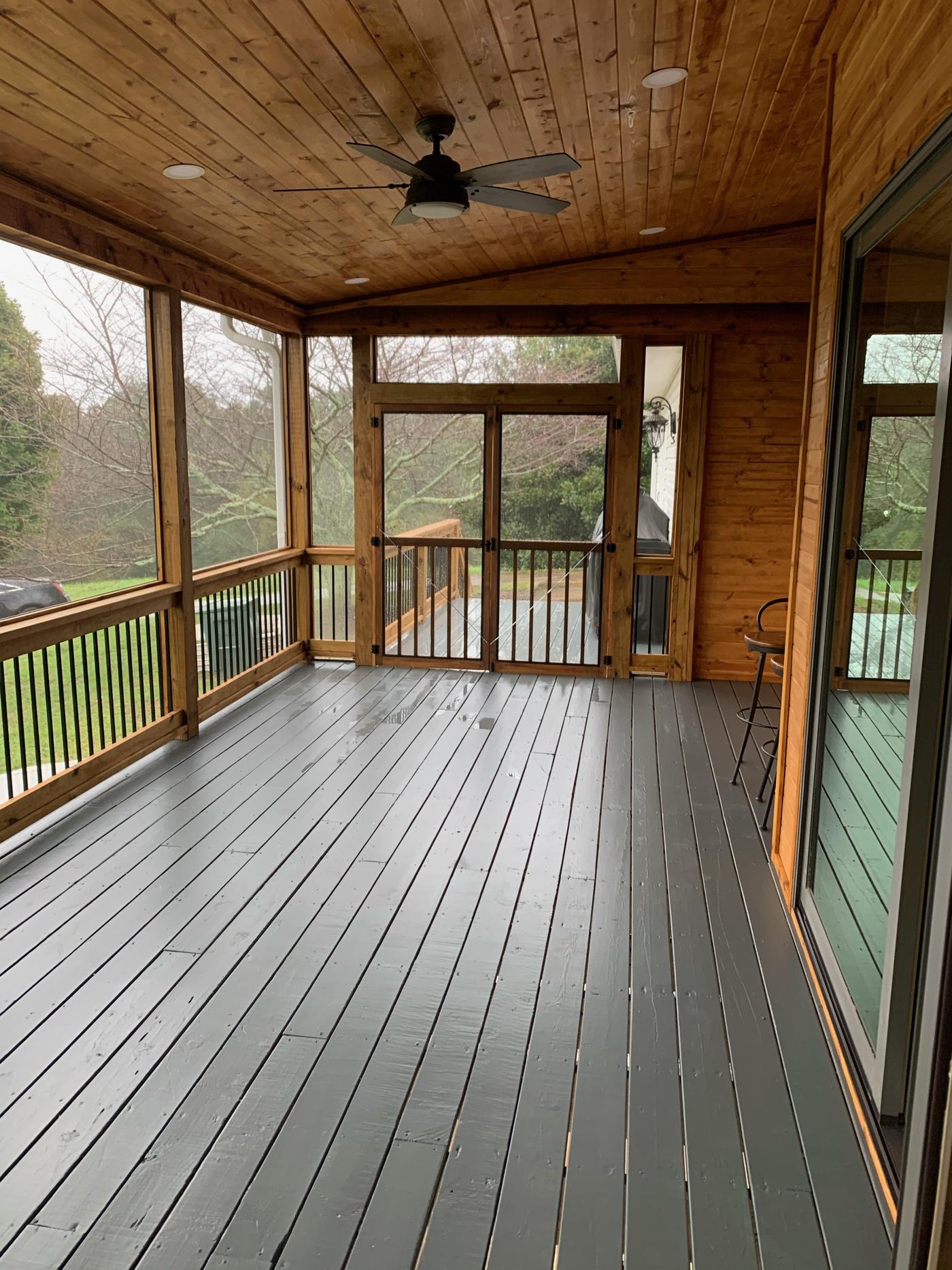
| Deck or porch | "Add a screened porch with a tongue-and-groove ceiling and a ceiling fan off the back of this house." | Rooflines that don't tie into the house, missing stairs and railings |
| Exterior | "Change the siding to white board-and-batten, paint the trim black and add a cedar-post front porch." | Windows that shifted, gutters missing, a different-looking house |
What do AI mockups get wrong?
AI is very good at the look and very bad at the facts. Here's what to keep in mind:
- Sizes and layout. AI routinely shrinks appliances, stretches countertops, adds a window or squeezes in an island with no room to walk around it. Kitchens need about 36 to 42 inches of walkway around an island.
- Structure. A mockup will happily remove a load-bearing wall, open a ceiling or hang a porch roof with nothing holding it up. In real life that may need a beam, posts or footings. See our wall removal guide.
- Plumbing, gas and electrical. Moving a sink, toilet, shower drain or range is possible but adds cost, and AI never shows the outlets, vents and switches code requires.
- Materials that don't exist. AI can invent a tile, stone or color no one sells. Brand visualizers and real samples fix that.
- Cost. A picture of a $15,000 refresh and a $70,000 custom kitchen can look surprisingly similar. Price comes from the scope, not the image.
- Permits. A mockup isn't a drawing. Additions, decks, porches and structural changes in Gainesville and Hall County need measured plans and a permit. See our building permits guide.
AI mockup vs. design drawings: what's the difference?
| AI mockup | 3D design or rendering | Measured plans | |
|---|---|---|---|
| Best for | Choosing a style, colors and materials | Checking layout and how a room will feel | Pricing, ordering and permits |
| Uses your real measurements | No | Yes | Yes |
| Shows structure, plumbing and wiring | No | Sometimes | Yes |
| Time to make | Seconds to minutes | Days | Days to weeks |
| Accepted for a building permit | No | No | Yes, when required |
For paint, cabinets, counters, tile and floors, a good mockup plus a detailed written scope is often all you need. For additions, porches, decks and wall removal, the mockup is the starting point and the plans come next.
How does EBD Construction use AI mockups?
We use AI mockups to help you see the finished project before we start. Here's how it fits into a project with us:
- Free in-home consultation. Eric walks the space with you, takes photos and listens to what you want to change.
- See it on the spot. Eric can show you AI mockups of your own room or exterior with the changes you're considering, and try different colors, materials and layouts while you're talking.
- A reality check. Because Eric has built and remodeled homes around Gainesville for 15+ years, he can tell you which parts of a mockup are straightforward, which need a beam or a plumbing move, and which won't work in your space.
- A written estimate. The look you pick becomes a detailed scope and estimate, with real materials you can see and touch.
- Plans and permits. When the job needs drawings or a permit, those come next. Eric pulls every permit himself.
- The same crew builds it. Three full-time builders who have worked together for over a decade turn the picture into the real thing.
Already made your own mockups or saved photos you love? Bring them, text them or email them before the visit. They're a great starting point.
Is it safe to upload photos of my home to AI?
For ordinary room photos, generally yes, but take a minute with the settings. Crop out your house number, street signs, car tags, mail and family photos. If the tool lets you opt out of having your uploads used to train its models, turn that on. And remember that free tools may keep your images, so don't upload anything you wouldn't want public.
What should I do after I have a mockup I like?
Use it to get real numbers. Our cost guides give Gainesville-area ranges for kitchens, cabinets, bathrooms, flooring, decks and porches, siding and exteriors and whole-home renovations. If you're weighing resale, see which remodels add the most value. Then set up a consultation so we can measure, check what's behind the walls and give you a written estimate.
Where does EBD Construction work?
- Gainesville
- Flowery Branch
- Oakwood
- Buford
- Braselton
- Chestnut Mountain
- Murrayville
- Lake Lanier homes
- All of Hall County
- Towns north of Gainesville
Why plan your remodel with EBD Construction?
- See it before we build it. AI mockups of your own space at the consultation, so you can compare options before anything is ordered.
- Honest about what's possible. We'll tell you when a picture needs a beam, a plumbing move or a different plan.
- You talk to the owner. Eric Bubniak is your point of contact from the first visit to the final walkthrough.
- The same crew every time. Three full-time builders who have worked together for over a decade.
- Local for 15+ years. Based in Gainesville, licensed and insured, all work guaranteed, with 5-star reviews on Thumbtack.
AI remodel mockup FAQs
What is the best AI tool to visualize a remodel?
For most homeowners, a general AI assistant that can edit photos is the easiest place to start: upload a picture of the room and describe the change in plain words. Dedicated room-design apps add style presets and before-and-after sliders, and paint, cabinet and flooring brands offer free visualizers that show their real products. Many of these are free or cost about $10 to $30 a month.
Are AI remodel mockups accurate?
They are accurate enough to compare colors, materials and styles, but not dimensions or layout. AI often shrinks or stretches cabinets, moves windows, invents outlets and lights, and shows an island or open wall that would not fit or would need a support beam. Treat a mockup as a picture of the look you want, not a drawing of your room.
Can a contractor build from an AI image?
Not directly. A contractor uses the image to understand the look you want, then measures the space, checks the structure, plumbing and wiring, and turns it into a written scope, estimate and, when needed, drawings for a permit. The mockup saves time because it shows the style in one picture instead of a long description.
Can AI tell me how much my remodel will cost?
Not reliably. A picture can't show what is behind the walls, the condition of the subfloor, whether a wall is load-bearing or what grade of material is in the image. For Gainesville-area price ranges, see our kitchen, bathroom, deck and whole-home cost guides, and get a written estimate after an in-home visit.
Can AI show what my house would look like with new siding or paint?
Yes, exterior mockups are one of the most useful kinds. Take a straight-on daytime photo of the front of the house and ask for one change at a time, such as a new siding color, painted brick, a metal roof, black windows or a new front porch. Paint brands' visualizers are best for testing exact colors.
Is it safe to upload photos of my house to an AI tool?
Generally yes for room photos, but read the tool's privacy settings. Avoid photos that show your house number, street sign, car tags, family photos or mail, and turn off the option that lets the company train on your uploads if the tool offers one.
Do I still need a designer or drawings if I have an AI mockup?
For paint, flooring, cabinets and fixtures, a clear mockup plus a written scope is often enough. For anything structural, such as removing walls, additions, porches, decks or moving plumbing, you will still need measured plans, and Gainesville and Hall County permits may require them. EBD Construction pulls every permit itself.
Does EBD Construction show AI mockups at consultations?
Yes. During a free in-home consultation, Eric Bubniak can photograph your kitchen, bath, porch or exterior and show you AI mockups of the changes you are considering, then walk through what is buildable, what it involves and what it will cost. You are also welcome to bring mockups you made yourself.
Is EBD Construction licensed and insured?
Yes. EBD Construction LLC is licensed and insured, all work is guaranteed, and references are available on request.
Want to see your remodel before it's built?
Call Eric Bubniak at 404-925-7481 or fill out the form below. Tell us which room or part of the house you're thinking about, and we'll set up a free consultation where you can see AI mockups of your own space and get a written estimate.
Get your free consultation
Tell us a little about your project. Eric will call you within one business day to talk it through and set up a time to see the space.